Moodle Video Lesson Activity Plugin2026-06-19T17:03:48+05:30

The Open-Source Video Lesson Activity for Moodle™ Courses

An open-source, Moodle-native plugin for building engaging, video-driven courses — featuring completion rules, analytics, a clean player, and optional hosting. Built for the Moodle community.

Features

Features that make Video Lesson an essential tool for delivering high-quality, video-based learning courses.

Native to Moodle

Add video lessons just like any other Moodle activity — no external dashboards or integrations.

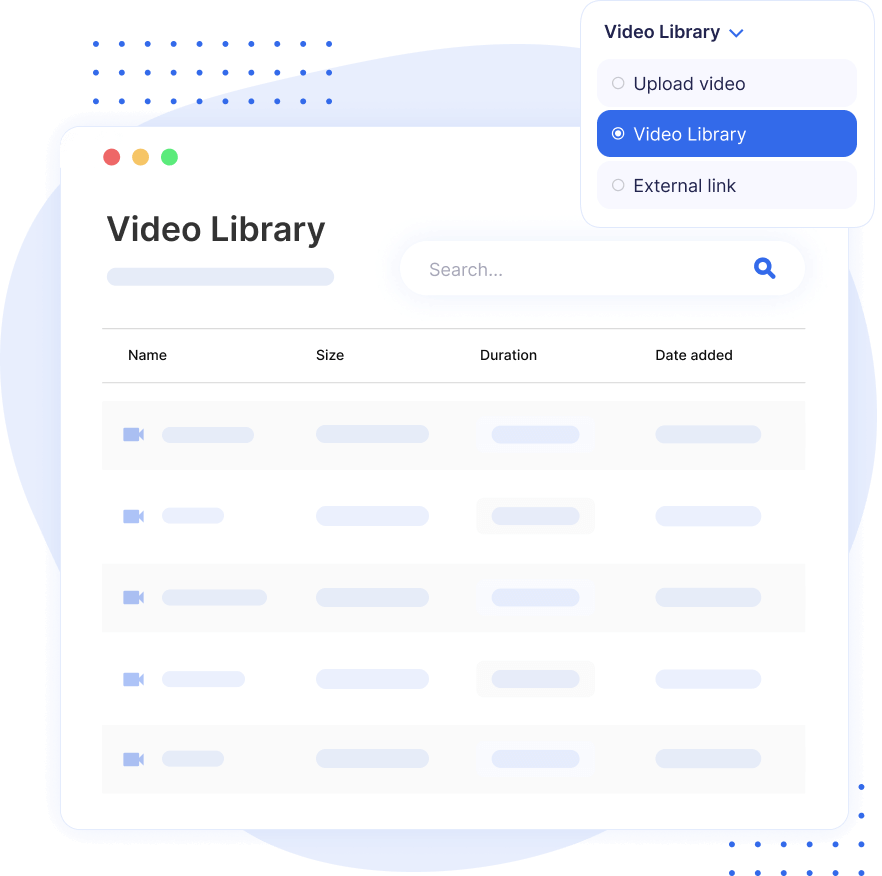
Video Library

Organize, manage, and reuse videos across courses from a central, built-in library.

Video Analytics

Track watch time, completion percentage, views, and learner-level insights.

Video Completion Rule

Require learners to watch a minimum percentage (e.g., 90%) before progressing.

Bulk Upload Videos

Upload multiple videos at once; the plugin prepares them for streaming automatically.

Embed & External Video Support

Embed videos from YouTube or Vimeo, or use any direct MP4 URL — no AWS setup required.

AWS Video Hosting

Enable adaptive streaming, automatic transcoding, and scalable delivery using your own AWS infrastructure or MooPlugins hosting.

Clean Video JS Player

A distraction-free VideoJS player optimized for clarity, accessibility, and learning.

TinyMCE Editor Button

Insert videos inside labels, pages, or quizzes using the built-in editor button.

The Video Lesson Activity is free and open source.

Top Reasons Why Moodle Community is Loving the Video Lesson Activity

Build Engaging Video-Driven Courses

Create captivating, video-based learning experiences that keep your students engaged. With Video Lesson Activity, you can seamlessly integrate videos into your courses, enabling interactive and immersive content delivery that aligns with modern learning trends.

Moodle Video Lesson Build Engaging Video
Moodle Video Lesson Easily Upload Videos

Easily Upload Videos or Utilize Self-hosted Video through URLs.

Whether you want to upload your videos directly to Moodle or host them externally, Video Lesson Activity offers flexible options. Simply upload files or embed self-hosted videos via URLs, making it easier than ever to integrate multimedia content into your courses.

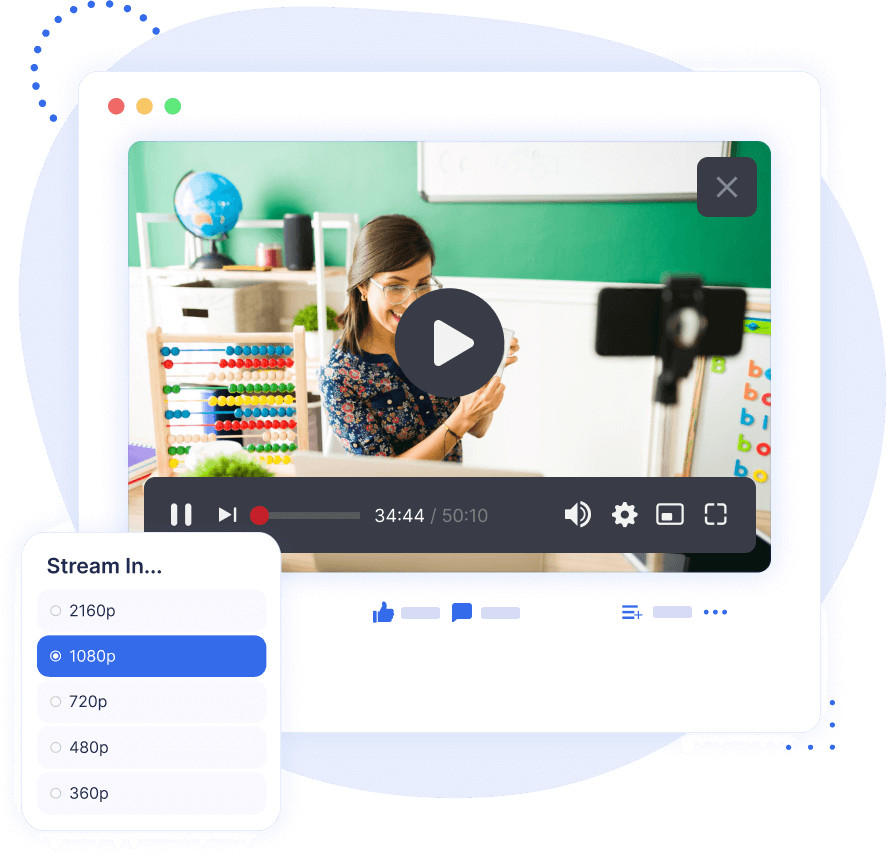
Get Useful Video Analytics to Monitor User Engagement

Understand how your students interact with video lessons using detailed engagement analytics. Track metrics like views, progress, and completion rates to assess the effectiveness of your content and make data-driven improvements.

Moodle Video Lesson Get Useful Video Analytics
Moodle Video Lesson Streamlined Clean Video Player

Streamlined, Clean Video Player Designed to Keep Learner’s Focus on Learning, not Distractions.

The minimalist and distraction-free video player ensures that learners stay focused on the content. The design prioritizes usability, making it easier for students to engage with videos without unnecessary interruptions.

Meet Compliance with Disable Fast-Forward and Mandatory Video Completion Thresholds

Ensure compliance and thorough content engagement with features like fast-forward prevention and mandatory completion requirements. These tools help maintain content integrity and encourage students to fully engage with your video lessons.
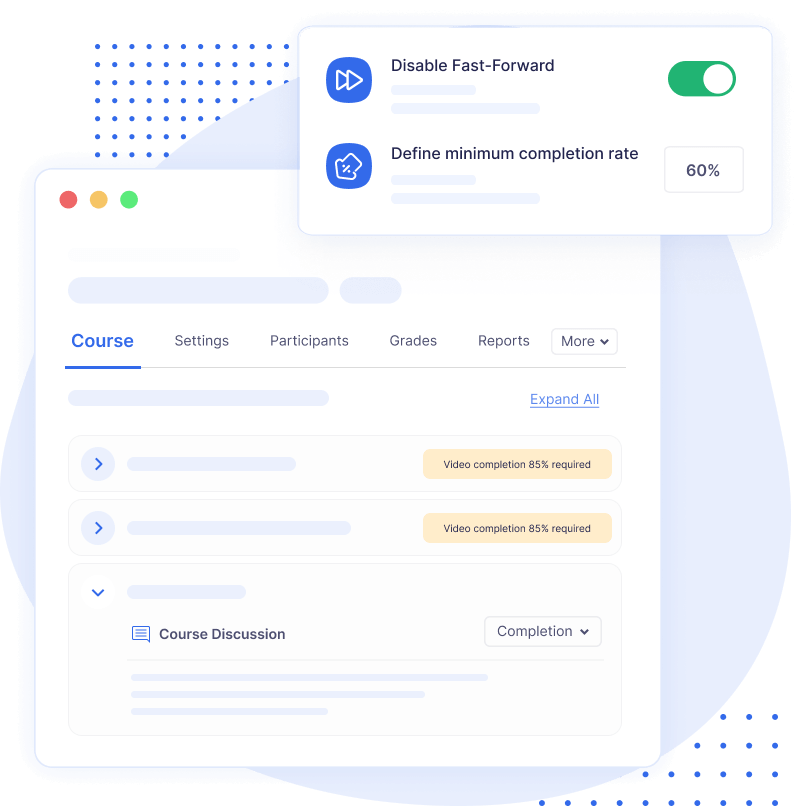
Moodle Video Lesson Meet Compliance

Need Hosting for Your Video Lessons?

Choose a hosting addon plan as per your requirements, you can always scale up or scale down in future.

Starter

0

Try for free

What’s included:

  • 5GB storage

  • 1GB/month upload limit
  • Plugin support

Basic

3,999

per month

What’s included:

  • 500GB storage
  • 10GB/month upload limit

  • Plugin support

Standard

7,999

per month

What’s included:

  • 1TB storage
  • 25GB/month upload limit
  • Plugin support

Advanced

15,999

per month

What’s included:

  • 2TB storage
  • 50GB/month upload limit
  • Plugin support

All plans include

We want you to love what you purchase! If you’re not completely satisfied, you can request a full refund within 14 days. Your satisfaction is our priority.

How It Compares to External Platforms

A quick look at how Video Lesson Activity differs from third-party VMS tools like Panopto, Kaltura, or Vimeo.

Feature Video Lesson Moodle Panopto Kaltura Youtube/Vimeo
Dedicated Moodle activity
Video library
Video analytics
Video completion rule
Clean video player
Adaptive bitrate streaming
TinyMCE editor button

Why We Built This Plugin

A deeper look at the journey behind the Video Lesson plugin — from the challenges we saw in Moodle’s video experience to the reasons we chose to build a dedicated, modern, open-source solution.

BLOG POST

Why Moodle Struggled With Video-Driven Courses — And How the Video Lesson Activity Plugin Finally Makes It Possible

Discover the journey behind the Video Lesson Activity plugin: the problems educators faced with Moodle’s video handling, and how those challenges led us to build a dedicated, modern solution for video-driven learning.

BLOG POST

Why Moodle Alone Isn’t Enough for Video Learning

An explanation of Moodle’s limitations with video hosting, performance bottlenecks, file storage, and why a scalable video solution is essential today.

Frequently Asked Question

Have questions? See the list below for commonly asked questions. If your question is not listed here, then please contact us.

What is video lesson activity plugin?2025-12-11T16:56:33+05:30

The Video Lesson Activity is a Moodle plugin for creating structured, video-driven lessons. It supports uploads, embeds, and direct video URLs, includes a clean player with fast-forward control, and offers analytics, a video library, and completion rules to track and enforce learner engagement.

Who should use the Video Lesson plugin?2024-11-29T20:55:28+05:30

The Video Lesson plugin is ideal for educators, trainers, and organizations looking to create engaging, video-driven courses in Moodle. It’s perfect for anyone who wants to offer high-quality videos within their Moodle environment without relying on third-party platforms like Panopto, Kaltura, or Vimeo.

Do I need coding skills to install Video Lesson plugin?2024-11-29T20:41:24+05:30

No, you don’t need any coding skills to install the Video Lesson plugin. Just follow the standard Moodle plugin installation process, and you’ll be up and running in no time. Detailed instructions are provided in documentation to guide you through the setup.

Do you offer refunds?2024-11-29T20:08:49+05:30

Yes, absolutely! If you’re not completely satisfied with your purchase, you can request a full refund within 14 days. We want you to love what you buy, and your satisfaction is our top priority. For more details, please review our Refund Policy.

What is video transcoding?2024-11-20T12:26:59+05:30

Video transcoding is the process of converting video files from one format to another by adjusting parameters such as resolution, encoding, and bitrate. Using adaptive bitrate streaming, transcoding enhances video playback by dynamically adjusting video quality based on network conditions. This ensures smooth playback for viewers, regardless of their device, location, or internet speed, particularly over HTTP networks.

Does this plugin support video completion tracking?2025-06-18T12:08:34+05:30

Yes. You can enforce a minimum watch percentage (e.g., 90%) and prevent fast-forwarding to ensure learners fully engage before moving on.

Is the plugin really open source?2025-12-10T16:02:09+05:30

Yes. The core plugin is freely available on GitHub for download, review, and contribution.

Do I need hosting to use the plugin?2025-12-11T16:59:42+05:30

No. Hosting is completely optional. You do not even need an AWS setup if you plan to:

  • use a direct video URL that ends with .mp4, or
  • embed videos from YouTube, Vimeo, or any external provider.

AWS (or MooPlugins hosting) is only needed if you want automatic transcoding, adaptive streaming (HLS), and scalable video delivery.

Go to Top